What is Wacky Steps?
Wacky Steps is a browser game built around awkward movement, bad balance, and funny failure. The goal sounds easy at first: just keep walking forward. In practice, every step feels unstable, and that is exactly why the game works.
Instead of relying on speed, combat, or a complicated ruleset, Wacky Steps turns simple movement into the whole challenge. You click or tap to step, try not to overcommit, and deal with the ragdoll-like wobble that makes every run feel a little ridiculous.
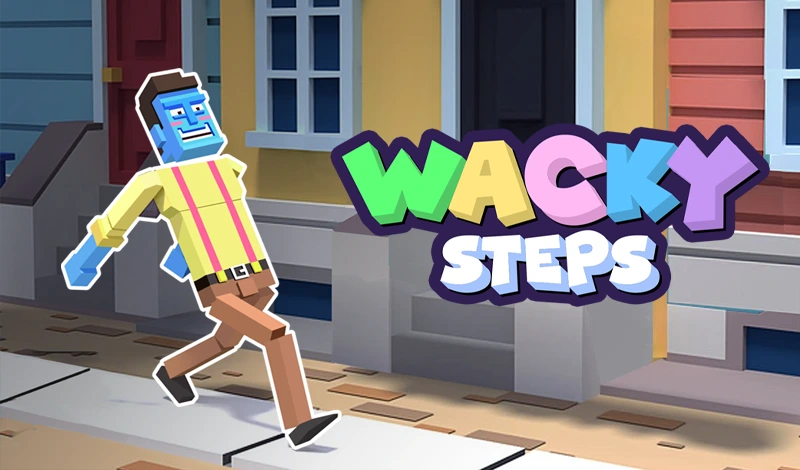
Wacky Steps Game Overview
| Play Style | Single-player physics arcade challenge |
|---|---|
| Genre | Physics Arcade |
| Platform | Browser |
| Price | Free to play online |
| Controls | Click or tap to step, hold a little longer for a bigger stride. |
| Mobile | Touch input is supported. |
| Fullscreen | Best after the game has fully loaded. |
How to Play Wacky Steps
The basic control scheme is simple. A tap makes your character step. Holding a little longer creates a bigger stride. That one idea creates the entire risk-reward loop of the game.
Short steps are safer, but they do not cover much ground. Longer steps help you move faster and clear hazards, but they also make it easier to lose balance. The challenge is reading the ground ahead and choosing when to stay patient and when to push a little farther.
As you keep moving, the road becomes less forgiving. Cracks, gaps, and badly timed strides can end a good run immediately. Wacky Steps stays fun because the controls are readable, but the movement is never fully safe.
How to Walk Farther in Wacky Steps
-
Step 1 — Start with short taps
Use short taps for the first few steps so the character stays upright. A calm opening gives you time to read the ground before gaps and awkward angles start to matter.
-
Step 2 — Add longer strides only when the path is clear
Hold a little longer when you need distance, but avoid doing it on uneven ground. Long strides are useful only when the landing zone is safe enough to recover from the wobble.
-
Step 3 — Reset your rhythm after every stumble
If the character leans too far forward or backward, switch back to shorter steps. The best runs usually come from recovering early instead of forcing one more risky stride.
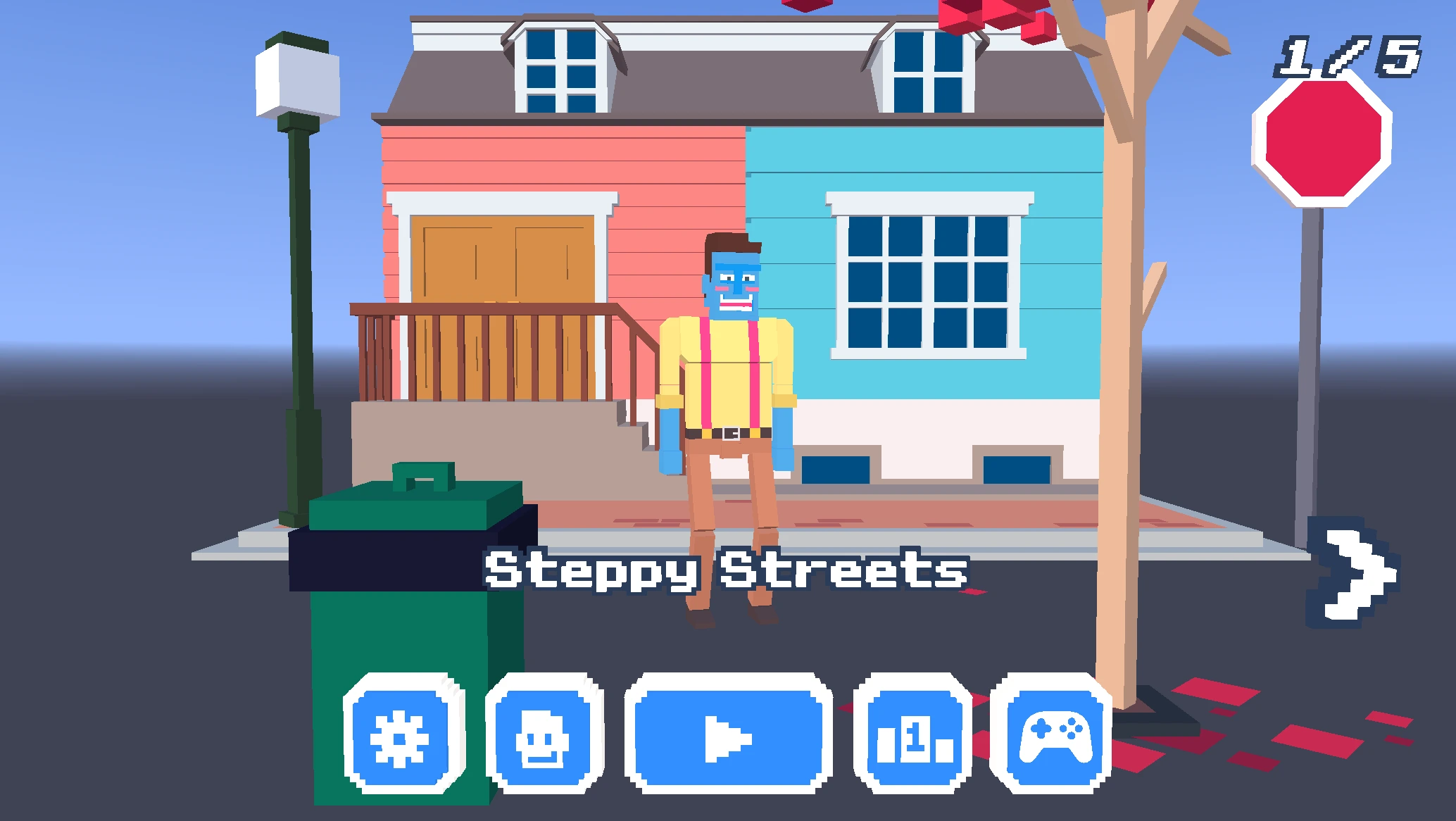
Controls
A tap makes your character step. Holding a little longer creates a bigger stride. Short steps are safer, while longer strides cover more ground but make it easier to lose balance.
| Key | Action |
|---|---|
| Click / Tap | Take a step |
| Hold Longer | Make a bigger stride |
| Short Steps | Safer and easier to recover |
| Long Strides | Faster, but much riskier |
Why Wacky Steps is so replayable
Wacky Steps is good at creating short, repeatable runs. You lose fast, restart fast, and usually know why the run fell apart. That makes improvement feel tangible even when the game looks goofy.
The other reason it works is tone. Falling over in Wacky Steps usually looks funny, not frustrating. That keeps failure light. You are rarely punished for long. You just reset, try again, and see if the next run feels cleaner.
Unlockable Content
Wacky Steps does not need a complicated upgrade tree to stay interesting. The main thing players unlock is control: cleaner timing, better recovery, and the confidence to take riskier steps without falling immediately.
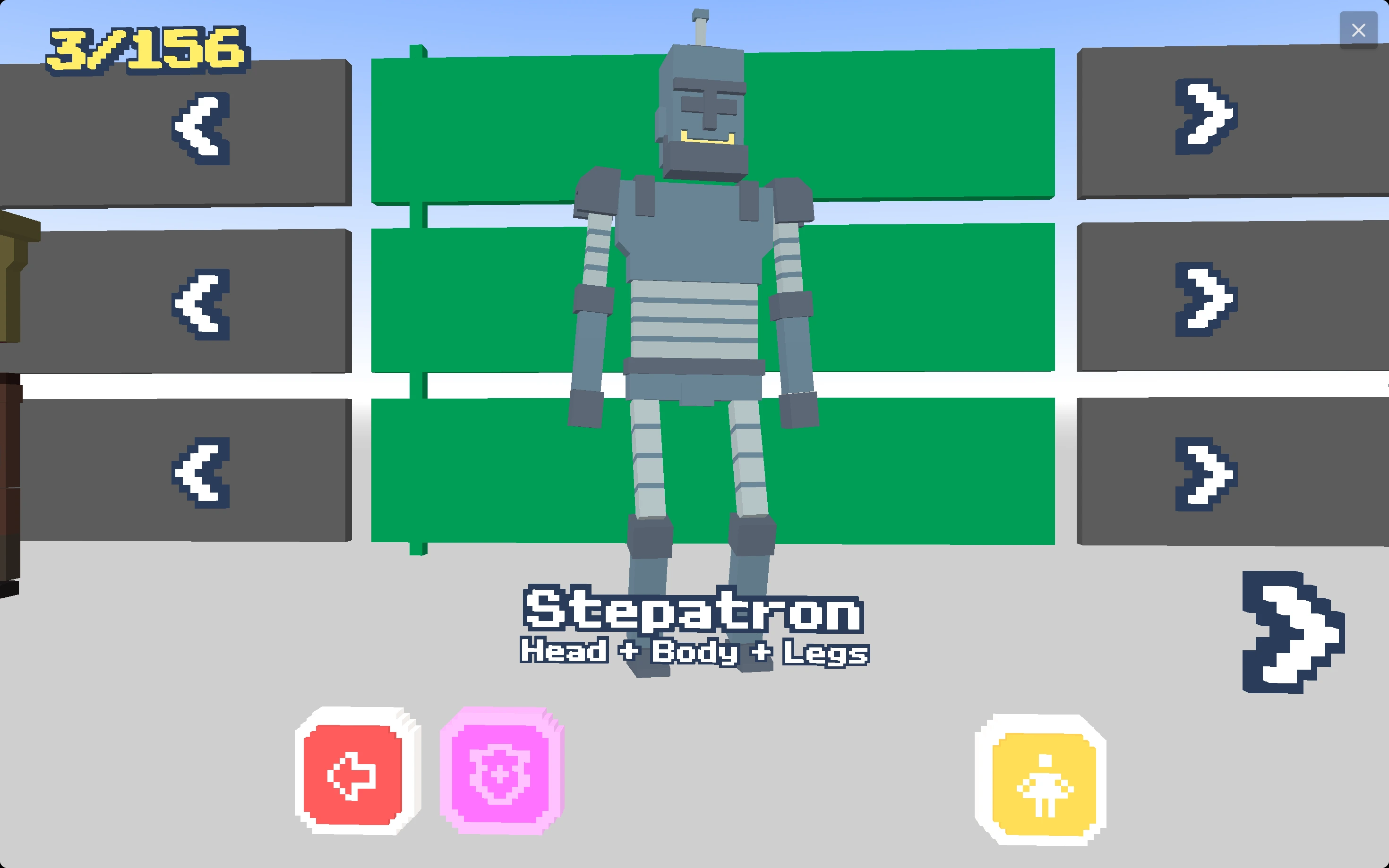
Some hosted versions may present cosmetic rewards, characters, badges, or progress markers. Treat those as extra motivation rather than the core goal. The real progression in Wacky Steps comes from learning how far you can push each stride before the wobble takes over.
Characters and Badges
If the version you are playing includes characters or badges, they usually work best as small goals between runs. They give players another reason to restart, improve, and try to reach a cleaner distance.
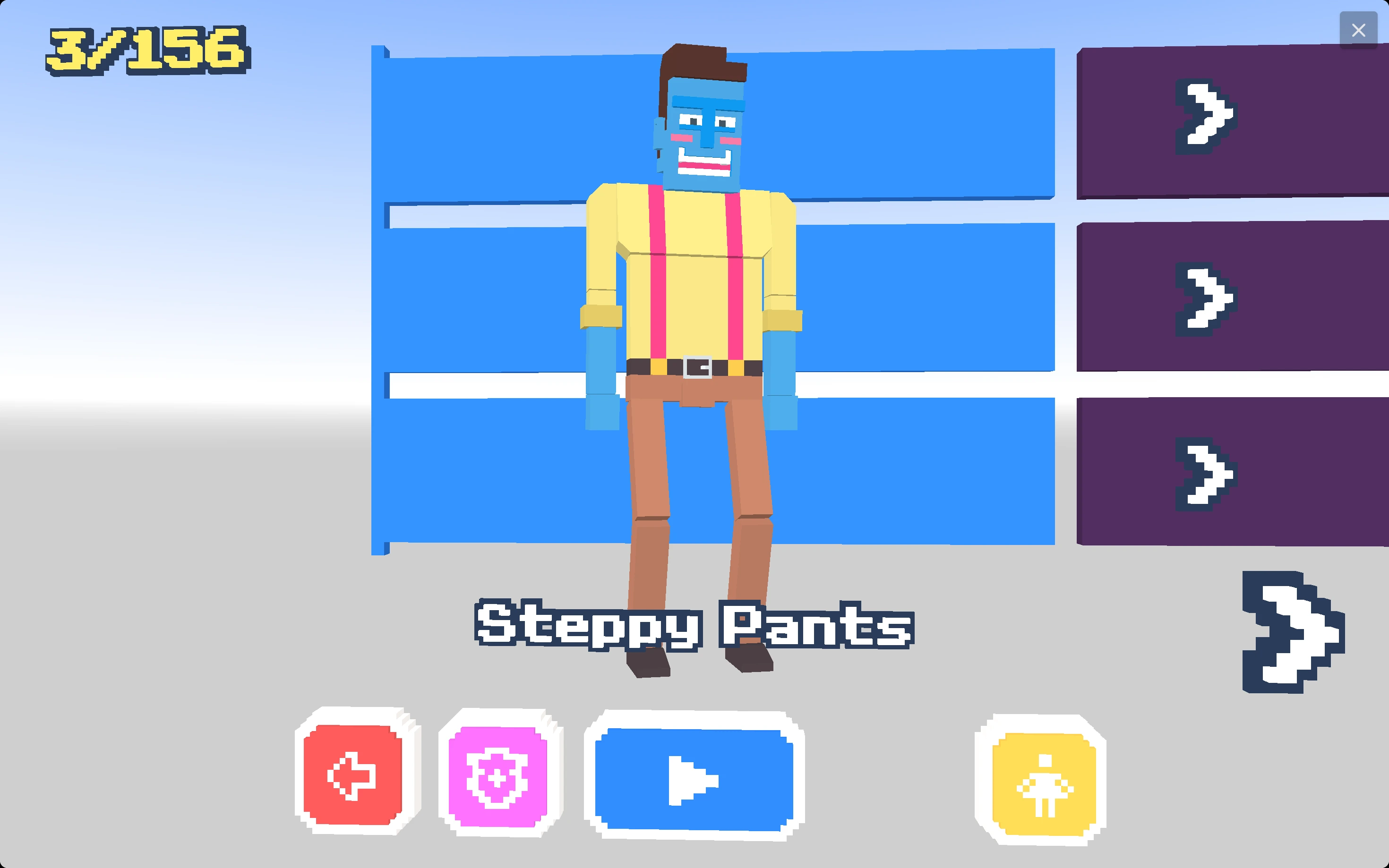
Characters should not change the basic appeal of Wacky Steps. The fun still comes from awkward movement, balance recovery, and watching a simple step turn into a dramatic collapse. Badges are useful when they reward steady improvement instead of forcing players into long grinding sessions.
Environments
Different road layouts can change the feel of a Wacky Steps run. Flat ground makes timing easier to read, while gaps, uneven angles, and narrow landing spots make every long stride riskier.
The best environments for this kind of game are readable at a glance. Players should be able to see the next hazard, choose between a short safe step and a longer risky step, then immediately understand why a fall happened.
Wacky Steps Tips
Most early failures come from overextending. Shorter steps make the movement easier to read and give you more chances to recover.
The best runs usually come from looking one step ahead. If you only react to the spot directly under your foot, you will make late decisions and panic into bad strides.
Wacky Steps rewards calm timing more than aggressive speed. If the road starts to look messy, shorter and more deliberate taps usually work better than trying to force distance.
Common mistakes that end a run
The most common mistake is treating Wacky Steps like a speed game. Fast taps can work for a few seconds, but they often create a lean that is impossible to save once the ground changes.
Another easy mistake is holding for a long stride because the next platform looks far away. If the character is already off balance, a long step usually makes the fall happen faster. Stabilize first, then reach.
Players also lose runs by staring only at the current foot. It helps to read one step ahead, because Wacky Steps gives you just enough time to choose between a safe short tap and a risky distance push.
Why people search for Wacky Steps
Players looking for Wacky Steps usually want one of three things: to launch the game quickly, understand how the controls work, or find a few practical tips before trying again.
A useful Wacky Steps page should let the player start immediately, explain the movement in plain language, and answer common questions without filler. This page is built around that exact structure.
Mobile tips for Wacky Steps
Wacky Steps can work on touch screens, but mobile players should keep inputs shorter than they would on desktop. A thumb press can easily last longer than intended, which makes the character overstep.
Landscape orientation usually gives a better view of the path and the character lean. If the game feels cramped, rotate the phone, wait for the iframe to resize, and then restart the run from a clean position.
If taps feel delayed, close other heavy tabs and avoid switching apps while the game is loaded. Physics games feel much fairer when the browser is not dropping frames during a recovery step.
FAQ About Wacky Steps
Is Wacky Steps free to play?
Yes. It can be played online in the browser without downloading anything.
Does Wacky Steps work on mobile?
It can load on mobile browsers, though the play feel is usually better on desktop when you want tighter timing.
What is the goal in Wacky Steps?
Keep your character moving forward, avoid hazards, and stay balanced for as long as possible.
How do you get farther in Wacky Steps?
Use short taps to stabilize first, then hold slightly longer only when the next landing area is clear. Recovering balance matters more than rushing.
Why does my character keep falling?
Most falls come from overextending, tapping too quickly, or trying a long stride while the character is already leaning too far.