
Hypermarket 3D Game Overview
Hypermarket 3D is a light store-management game where you rotate through checkout, shelf, and cleanup jobs to keep a colorful supermarket running smoothly.
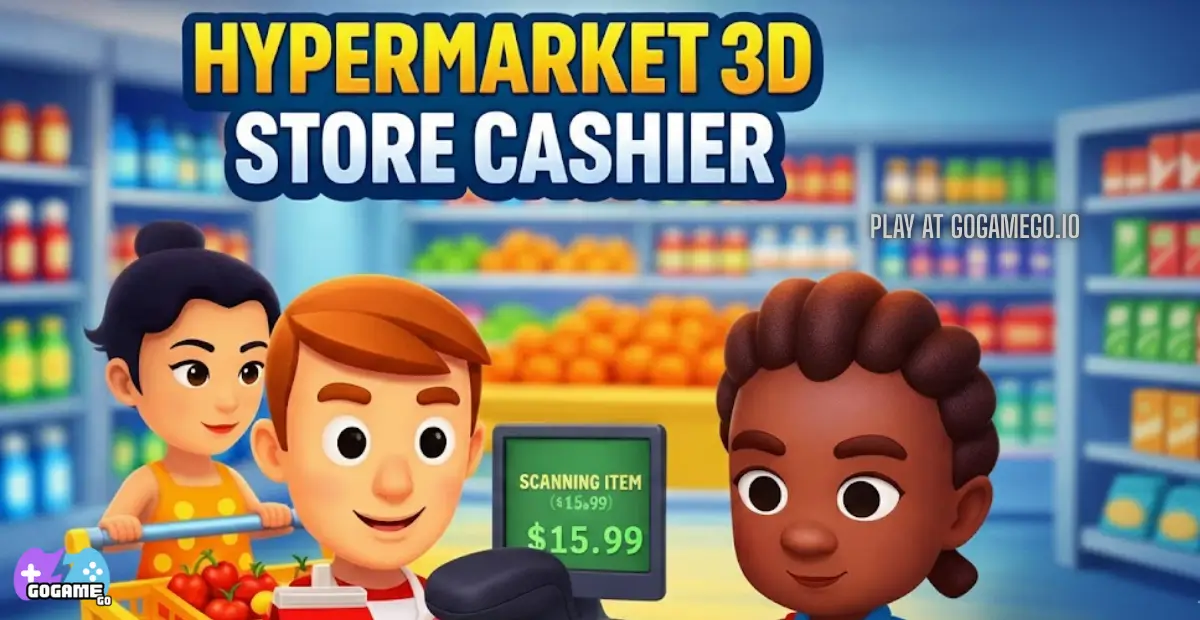
Hypermarket 3D Quick Facts
| Genre | Casual, Simulation |
|---|---|
| Platform | Web browser |
| Release | 2023 |
| Rating | 3.99 / 5 from 468 votes |
| Goal | Serve customers quickly, finish store tasks, and clear each level. |
How to Play Hypermarket 3D
-
Start from the playable game stage
Press Play Now, let Hypermarket 3D finish loading, and keep the first run slow enough to understand the goal before chasing speed or score.
-
Use the listed controls deliberately
Read the controls table, then practice one input at a time. Most browser games punish rushed inputs more than careful timing during the first few attempts.
-
Restart with one small improvement
After a failed run, change one habit: react earlier, take a safer route, or keep the rhythm steadier. Short focused retries make Hypermarket 3D easier to learn.
Hypermarket 3D Controls
| Key | Action |
|---|---|
| Mouse | Scan products, press UI buttons, and manage checkout tasks |
| Tap | Handle item interactions on touch screens |
| Swipe | Move between simple store actions on supported levels |
FAQ About Hypermarket 3D
What do you do in Hypermarket 3D?
You run different supermarket jobs, including scanning groceries, helping customers, and restocking or cleaning the store between rounds.
Is Hypermarket 3D more arcade or management focused?
It stays lightweight and arcade-friendly, but the tasks are framed around basic store-management routines.
Does Hypermarket 3D work on mobile?
Yes. The published control notes describe mouse input on desktop and touch controls such as tap and swipe on mobile devices.